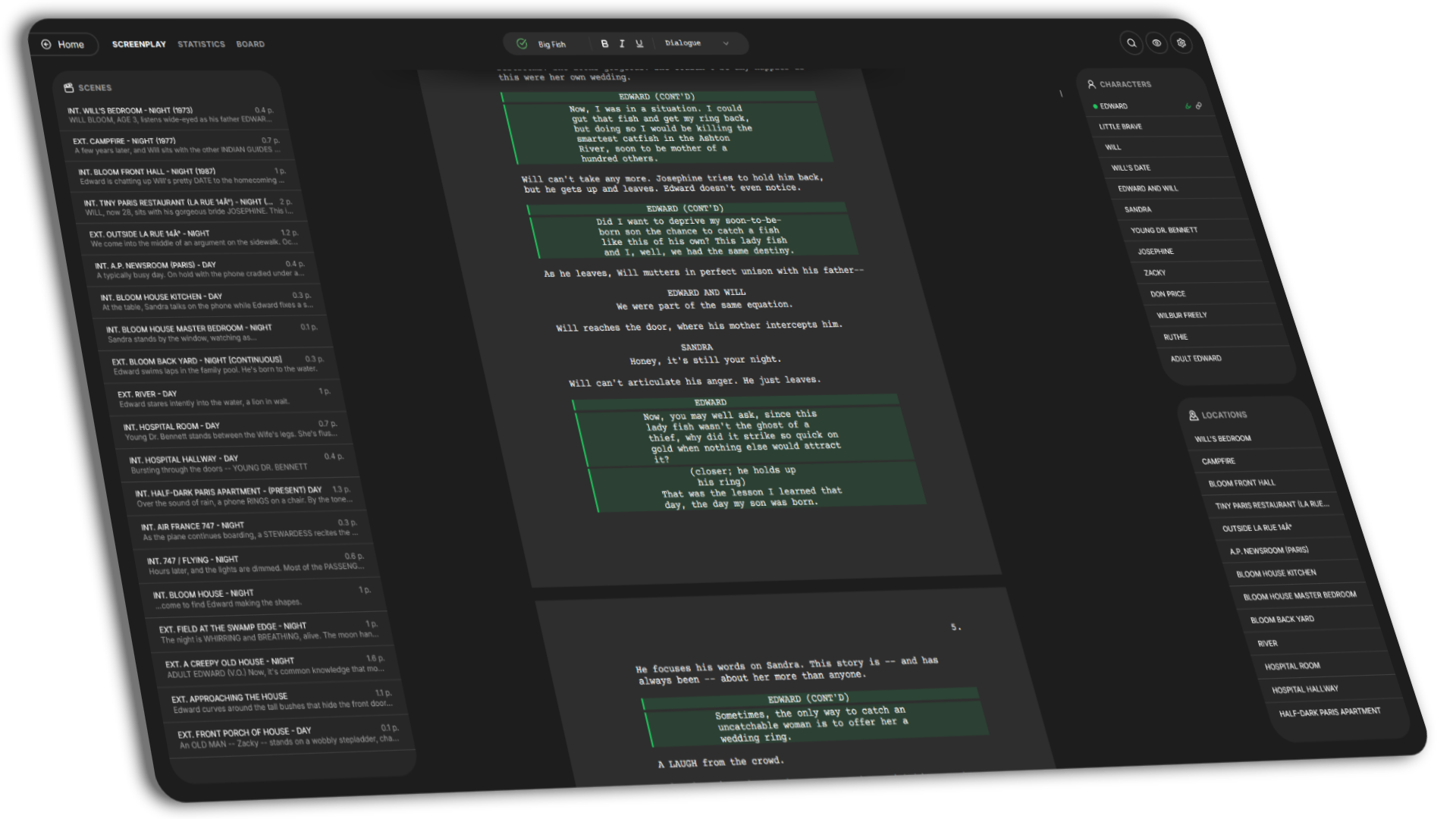
Everything you need.
Power features packed into a minimalist interface.
First-class Editor
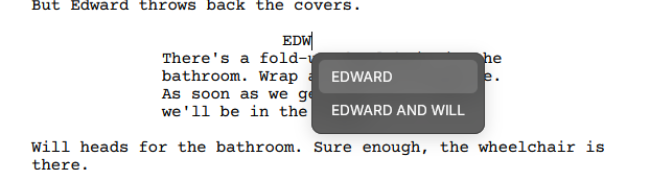
Smart auto-complete, built-in spellchecker, and keyboard shortcuts keep you in flow. Fountain syntax rules automatically format your script as you type. Focus mode fades out the noise so only your words remain.
Professional Formatting
Dual dialogue, customizable margins, font styling, and spacing — every layout detail is yours to control. Page breaks follow industry standards out of the box. Your script looks camera-ready from page one.
Industry Formats
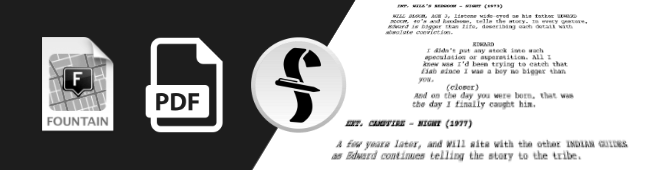
Import existing scripts or export in PDF, FDX, and Fountain with full fidelity. Switch tools without losing a single line of formatting. Your screenplay is never locked into one ecosystem.
Advanced Search
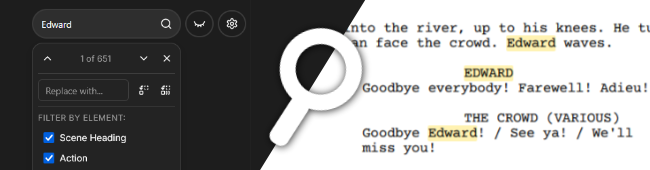
Search your script with precision using filters for scene, character, and dialogue. Replace with confidence using live preview before committing any change. Find patterns across hundreds of pages in an instant.
Alternates
Search your script with precision using filters for scene, character, and dialogue. Replace with confidence using live preview before committing any change. Find patterns across hundreds of pages in an instant.
Custom Themes
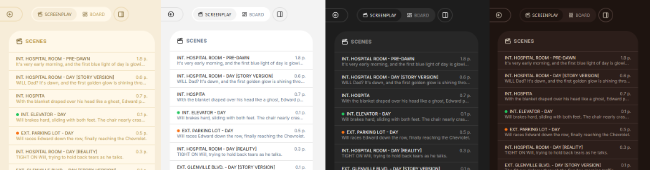
Whether you write at the crack of dawn or burn the midnight oil, find the perfect contrast for your eyes. Choose from light & dark themes designed for long writing sessions. Your environment should inspire, not distract.
Scene Navigation
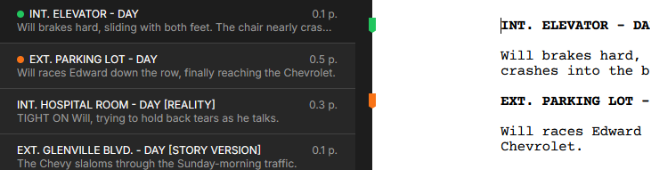
Navigate your screenplay at the speed of thought with a dynamic scene outline. Track pacing with length estimates and jump anywhere in your script instantly. Reorder scenes, add synopses, and color-code your story structure.
Character Management
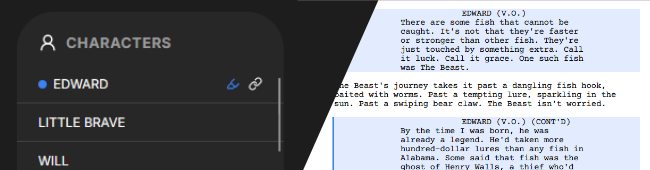
Rename a character across your entire script in one click. Assign traits and descriptions to build rich character profiles. Highlight any character's lines to stay locked in their voice.
Offline First
No internet? No problem. Keep writing without any friction or interruption. Your work is saved locally and synced back to the cloud the moment you reconnect. Scenarly works fully offline, no account required.
Statistics
Get a clear picture of your screenplay with word count, page count, and scene breakdowns. See how much screen time each character gets and spot pacing gaps at a glance. Data-driven insights to sharpen your story before it hits the screen.
Cloud Sync
ProNever hit Save again — your words are synced to the cloud continuously. Switch devices, close tabs, or lose power and pick up exactly where you left off. Manual snapshots let you restore any previous version on demand.
Real-time Collaboration
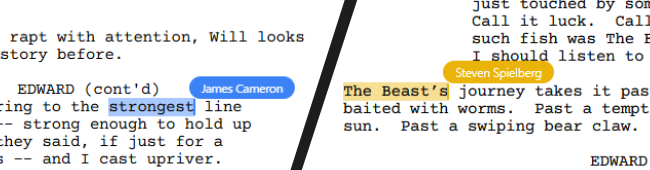
ProInvite up to 5 collaborators and write the same screenplay simultaneously in real time. See each other's cursors, edits, and comments as they happen. No merging, no conflicts — just seamless creative flow.
Frequently asked questions
Is Scenarly free to use?
Scenarly is free to use for most of its features. No project limitation, no forced watermark on PDF generation. Only advanced features such as real-time collaboration and report generation are part of our Pro plan, which is available for a reasonable monthly fee.
Can I use Scenarly offline?
Absolutely. The desktop app works fully offline. When you sign in and reconnect, your changes sync automatically to the cloud.
What export formats are supported?
You can export your screenplays as PDF, FDX (Final Draft), and Fountain. You can also import from these formats.
How does real-time collaboration work?
You can invite up to 5 collaborators to a project. Everyone edits the same screenplay simultaneously with changes appearing in real time.
Is my data safe?
Your data is hosted entirely on European servers, passwords are securely hashed, and all communications are encrypted with TLS. We never sell or share your data. Read more in our privacy policy.
Is Scenarly open source?
Scenarly is source-available. You can inspect the full codebase on GitHub.